
Ahsk
A native macOS AI assistant that brings powerful AI capabilities directly into every application, eliminating the need for context switching.
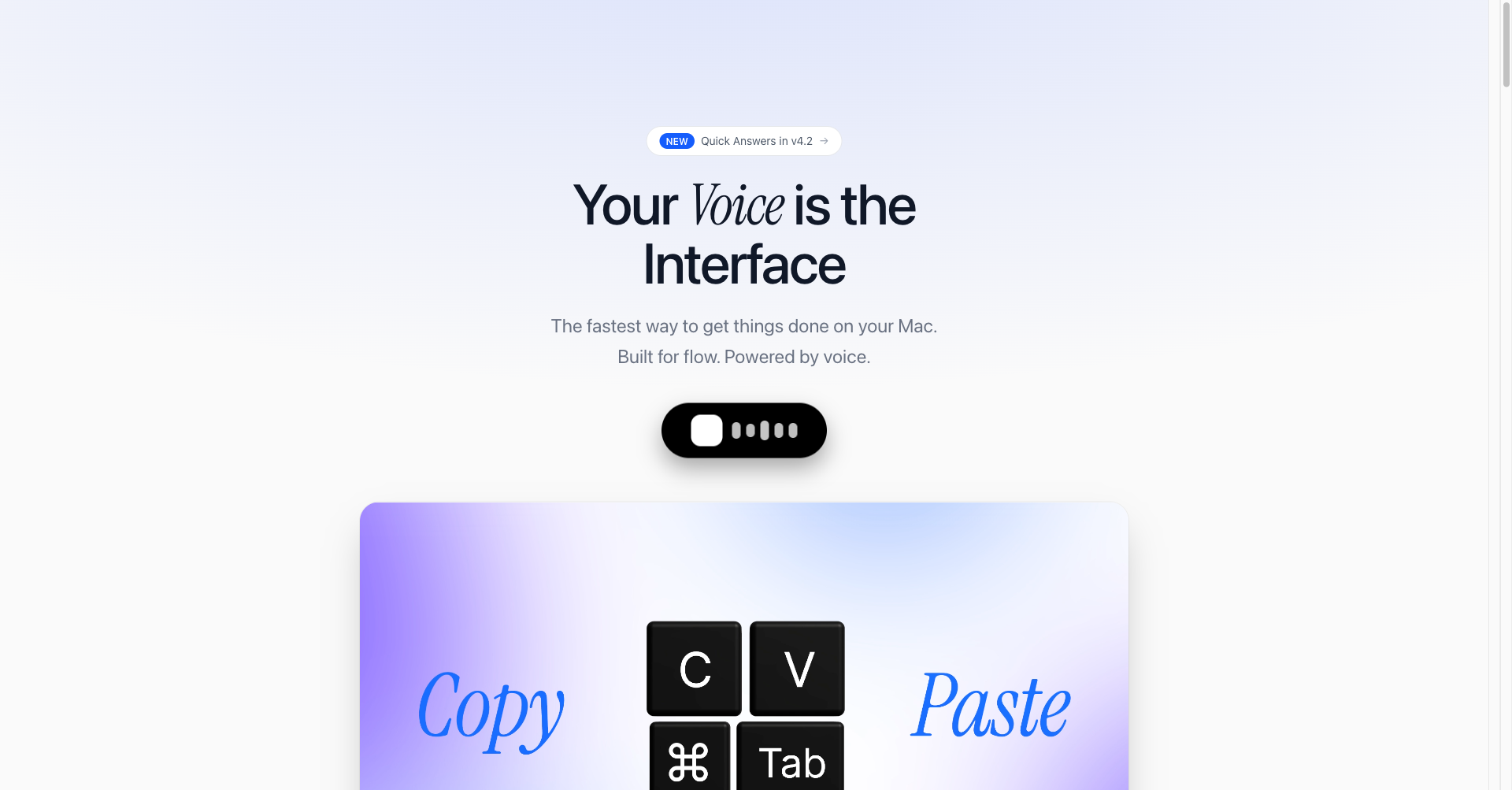
What is Ahsk
Ahsk is a native macOS application designed as a "Universal AI Copilot" that operates at the system level. Unlike web-based AI tools, Ahsk integrates directly into the macOS environment, allowing users to access AI features across all applications—including Safari, Slack, Mail, and VS Code—without switching tabs or apps. It acts as an intelligent layer over your OS, enabling seamless interaction with text, images, and system functions through AI.
Key Features
- System-Wide Integration: Works across any app on your Mac where you can select text or capture the screen.
- Smart Bubble Menu: A contextual menu that appears upon text selection, offering instant actions like "Ask," "Rewrite," "Translate," and "Summarize."
- Sara (Agentic Assistant): A voice-activated AI agent capable of executing complex, multi-step tasks such as building React apps, debugging code, and controlling system settings.
- Advanced Voice Modes: Includes Push-to-Talk for instant transcription and a Standby Mode for long-form dictation and hands-free interaction.
- Screenshot Analysis: Features a powerful screen capture tool (
Opt+Shift+S) that allows the AI to explain visual content, extract text, or debug UI elements on the fly. - Integrated Media Downloader: A built-in shortcut to quickly save videos from platforms like YouTube, TikTok, Instagram, and X (Twitter).
Use Cases
- Software Development: Developers can use Ahsk to explain complex code snippets, debug errors displayed on screen, or generate boilerplate code using voice commands without leaving their IDE.
- Content Creation: Writers and editors can instantly refactor email drafts, summarize lengthy research articles in Safari, or translate foreign text directly within their document editor.
- Workflow Automation: Power users can leverage the agentic assistant to automate repetitive tasks, such as sending messages in Slack or refactoring components across multiple files.
- Research and Study: Students can analyze data within PDFs, look up definitions using a built-in dictionary, and organize notes efficiently using the system-wide AI interface.
Launch Details
Website
https://www.ahsk.app/Publish Date
March 17, 2026
Tags