
AppScreens
A professional app store screenshot generator that automates the design, resizing, and localization of assets for multiple platforms in one workflow.
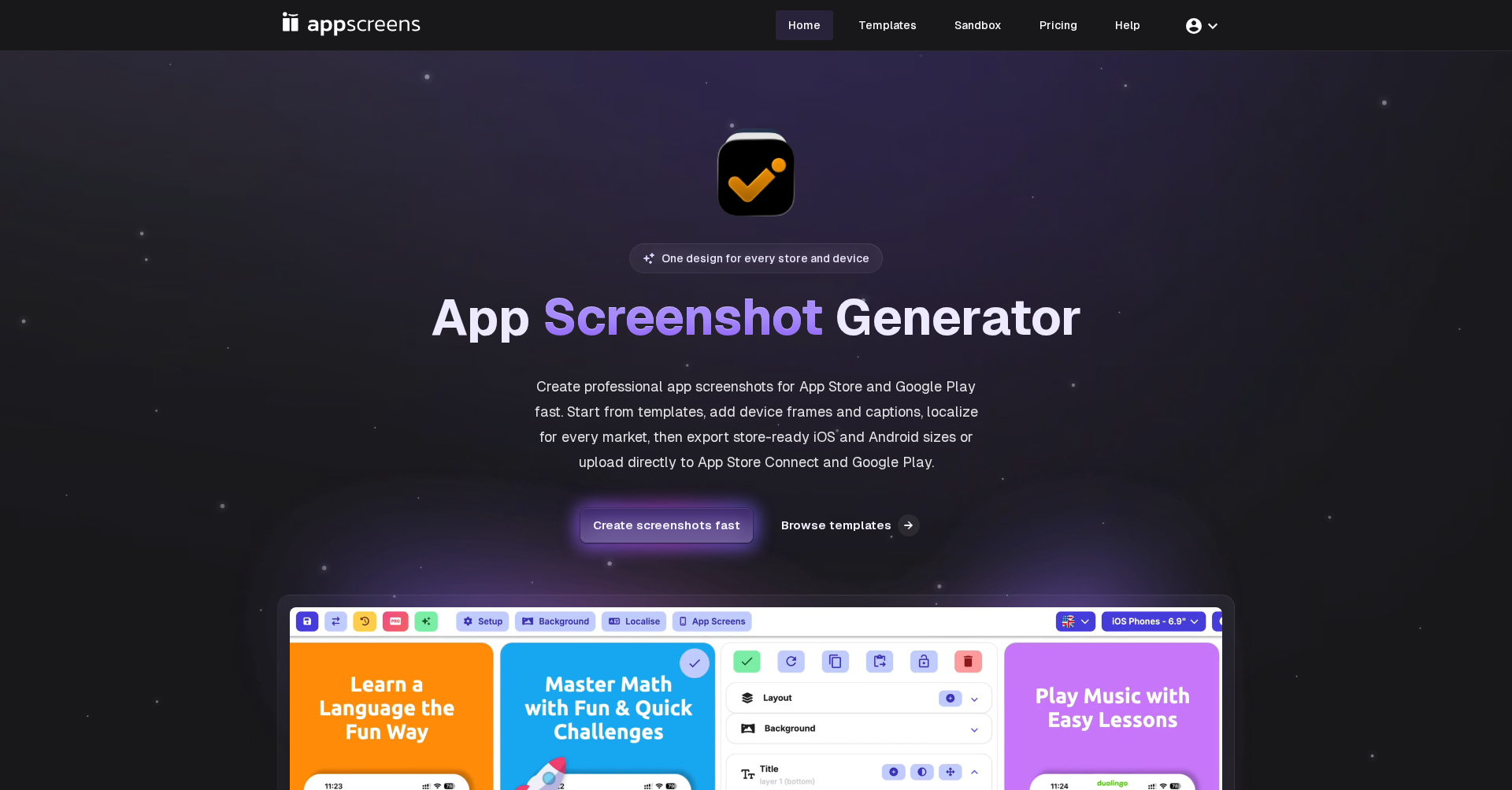
What is AppScreens
AppScreens is a powerful, web-based design tool specifically built for mobile app developers and marketers to create high-quality screenshots for the Apple App Store, Google Play, and other major marketplaces. It solves the tedious problem of manually resizing screenshots for dozens of different device types by using a "design once, ship everywhere" responsive engine. Users can create a single master design and the platform automatically adapts it to fit all required resolutions while maintaining visual consistency and adhering to store guidelines.
Key Features
- Responsive Design Engine: Automatically adjusts your designs to fit all device sizes and aspect ratios, including safe zone management for iPhones, iPads, and Android devices.
- Multi-Store Support: Create and export assets for the Apple App Store, Google Play, Microsoft Store, Huawei AppGallery, and Amazon AppStore simultaneously.
- Global Localization: Scale your app globally with support for over 80 languages, including automatic translation and Right-to-Left (RTL) layout support.
- AI-Powered Design Tools: Leverage AI for caption generation, layout suggestions, and an AI Creator that can generate design ideas from text prompts.
- Extensive Template Library: Access over 150 professionally designed template sets and 500+ editable layouts to jumpstart your design process.
- Direct Store Integration: Save time by uploading your finished assets directly to App Store Connect and Google Play Console from within the platform.
Use Cases
- App Launches: Quickly generate a complete set of marketing screenshots for a new app launch across multiple platforms.
- Internationalization: Effortlessly localize your app's store presence for dozens of foreign markets with automated translation.
- A/B Testing: Create multiple design variations to test which screenshot styles drive higher conversion rates on the app stores.
- Brand Consistency: Maintain a unified brand identity across different device types and platforms by using synchronized design templates.
Frequently Asked Questions About AppScreens
How does AppScreens handle different device sizes? AppScreens uses a responsive engine that allows you to design on one "master" device. The platform then automatically calculates the correct layout, scaling, and safe zones for all other required device sizes.
Does AppScreens support multiple languages? Yes, it supports over 80 languages and includes an auto-translation feature to help you quickly localize your screenshots for global markets.
Can I upload my designs directly to the app stores? Yes, AppScreens offers direct integration with App Store Connect and Google Play Console, allowing for seamless asset deployment.
Are there templates available? AppScreens provides a library of over 150 template sets and 500+ layouts inspired by top-performing apps to help you get started quickly.
Put your product in front of engaged visitors. Get your spot now!
Website
https://appscreens.com/Publish Date
May 26, 2026