
EasyEditor
EasyEditor is an AI-powered image editor that lets you modify, blend, and retouch photos using simple natural language prompts.
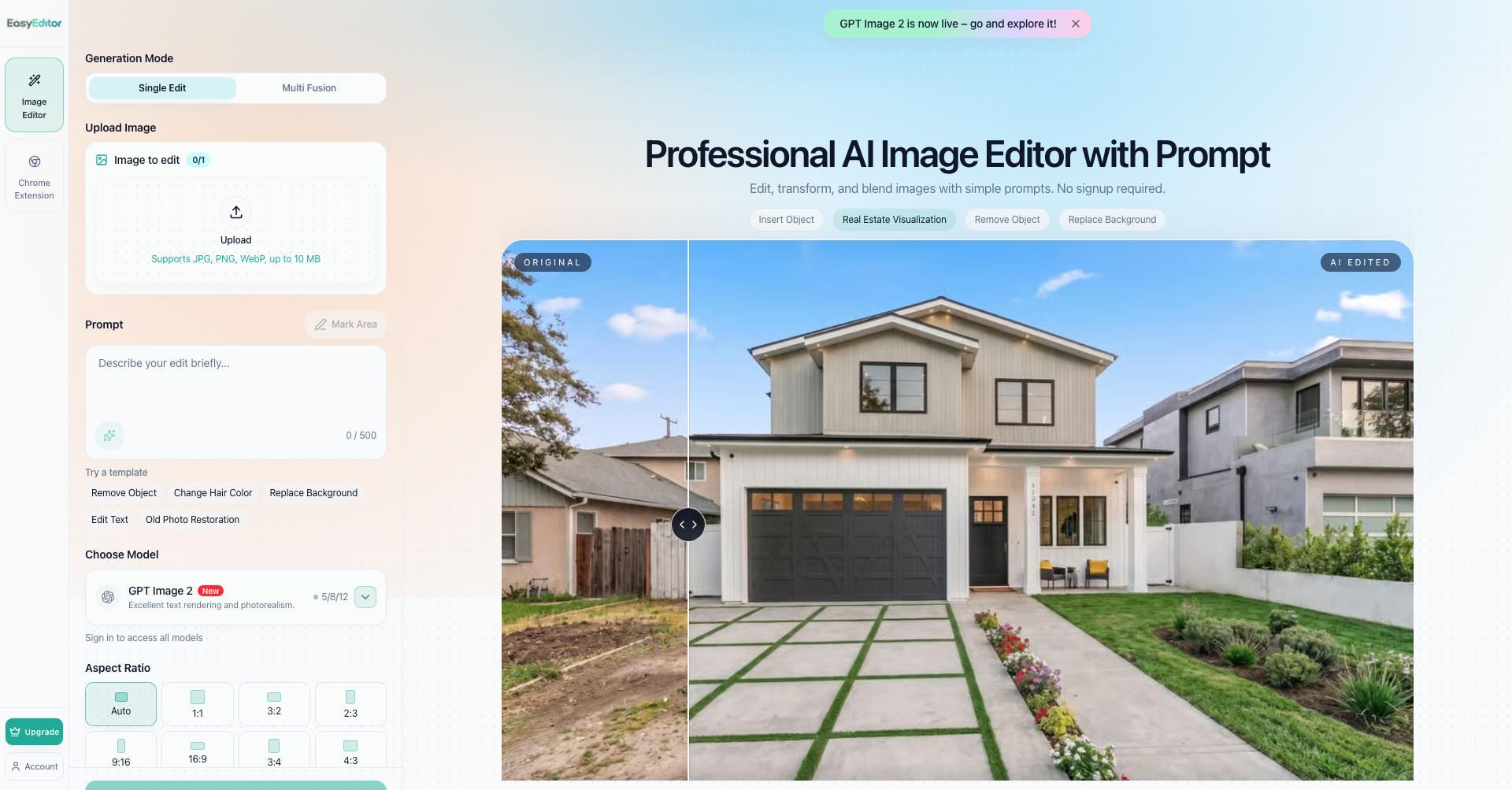
What is EasyEditor
EasyEditor is an online AI image editor designed to make photo editing and graphic manipulation as simple as typing a sentence. By combining conversational prompt-based commands with precision tools like brush masking, EasyEditor allows users to add or remove objects, swap backgrounds, and blend multiple assets into cohesive, studio-quality images without needing complex software like Photoshop.
Key Features
- Prompt-Based Editing: Modify, transform, or touch up images simply by describing what you want to change using natural language.
- Precision Brush & Area Marking: Use an intuitive brush tool to mark specific regions for surgical, localized generative inpainting and corrections.
- Multi-Image Fusion: Upload and blend up to five separate images, automatically matching perspective, shadows, and lighting across all visual elements.
- Background Replacement & Object Removal: Clean up unwanted distractions or place products and subjects into entirely new environments with a single click.
- Generative Models & Consistent Quality: Powered by advanced image generation models (such as GPT Image and Nano Banana) to eliminate hallucinations and maintain consistent textures, lighting, and geometry.
- Watermark-Free & High-Definition Downloads: Export high-resolution results up to 4K resolution with full commercial usage rights and no intrusive watermarks.
Use Cases
- E-commerce & Product Photography: Generate diverse product backgrounds, place items in lifestyle scenes, and create catalog variations without costly photoshoots.
- Content Creation & Social Media: Design engaging YouTube thumbnails, social media banners, marketing creatives, and ad variations in seconds.
- Real Estate & Staging: Declutter room photos, remove unwanted objects, and stage virtual environments for property listings.
- Personal Photo Retouching: Restore old photographs, touch up portraits, change hairstyles or clothing, and create customized event visuals.
Frequently Asked Questions About EasyEditor
Do I need design skills or complex software to use EasyEditor?
No. EasyEditor is designed for anyone to use without prior design experience. You can achieve professional-grade results simply by uploading an image and typing instructions in plain language.
Is EasyEditor free to use, and will my images have watermarks?
EasyEditor provides accessible free editing capabilities, and downloads do not include watermarks, allowing you to create clean visuals from day one.
Can I combine multiple images into one composition?
Yes. The Multi Fusion feature allows you to upload up to five images simultaneously and combine elements—such as products, logos, and custom backgrounds—with automatic lighting and shadow matching.
Can I use the generated images commercially?
Yes. You retain full commercial rights to all images generated and downloaded through EasyEditor.
Put your product in front of engaged visitors. Get your spot now!
Website
https://easyeditor.ai/Publish Date
September 28, 2026