
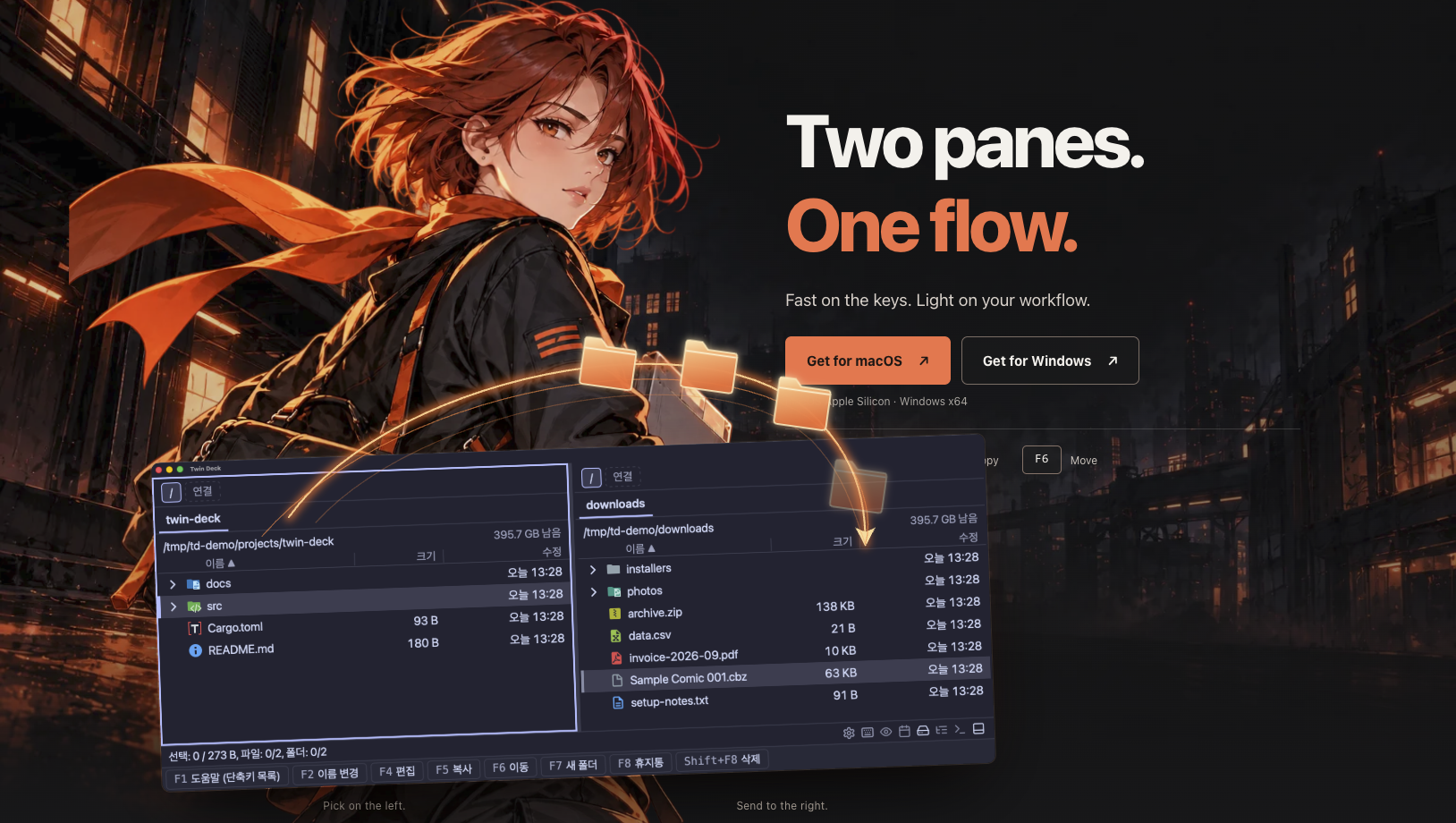
What is Twin Deck?
Twin Deck is a free, keyboard-first dual-pane file manager for Apple Silicon Macs and Windows x64. Keep source and destination folders side by side, with multiple tabs in each pane. It is another alternative to Total Commander, Double Commander, ForkLift, and OneCommander for everyday file browsing, copying, and moving.
Why I built it
Total Commander does not have a native macOS version, so I switched to Double Commander. In my setup, previews appeared in the opposite pane and took longer to open than I wanted. I started building Twin Deck around a different workflow and now use it during development to inspect and work with project resources.
Key features
- Switch panes with Tab, copy with F5, move with F6, and preview with the right arrow key.
- Preview code, Markdown, images, PDFs, audio, video, EPUB, HWP/HWPX, and selected 3D formats. Office previews show text and tables rather than the original document layout.
- Search filenames or file contents, and explore folder sizes through a treemap.
- Browse archives and run copying, moving, compression, and extraction in the background.
- Open a built-in terminal in your current folder, or launch Twin Deck from a terminal using the td command.
- Choose English or Korean, 112 themes, and configurable fonts and shortcuts.
Availability and feedback
The app is free to use and proprietary, not open source. Mac support is for Apple Silicon running macOS 26 Tahoe or later. Windows x64 installers are also available; no Linux or Intel Mac installer is provided. The app is unsigned and the Mac build is not notarized, so please review the installation instructions and trust the source before allowing it to run.
Bug reports and suggestions for improving the features and workflow are welcome.
Put your product in front of engaged visitors. Get your spot now!
Publish Date
November 13, 2026