
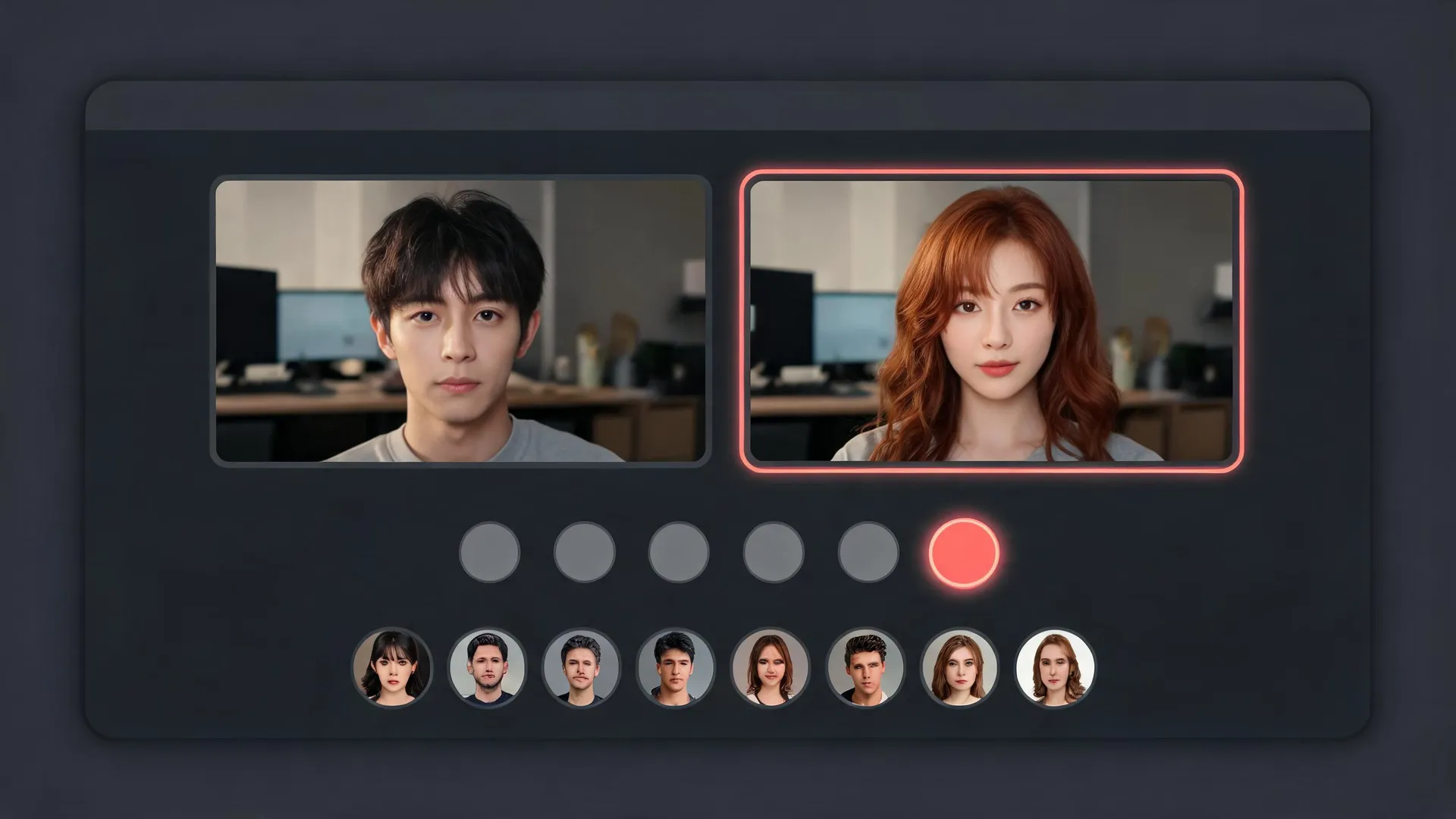
What is LiveFaceSwap.io
LiveFaceSwap.io is a browser-based live face swap studio that turns your webcam feed into a real-time AI performance. Pick one reference image and the Live X2.0 cloud model redraws every frame as you move and talk, so you appear as that character, outfit, or style without a graphics card, desktop app, or camera driver. The studio pairs the swapper with a curated library of original references, clean output windows for streaming software, and built-in consent safeguards.
Key Features
- Real-Time Cloud Swapping: The Live X2.0 model redraws every webcam frame in the cloud and streams the result back to the browser tab, so any laptop with a camera can run a live swap.
- Three Creative Modes: Face Swap, Try On, and Restyle share the same model — appear as a character, dress in a new outfit, or render your feed in a visual style.
- Curated Reference Library: 46 original images with no real people — 30 characters, 10 outfits, and 6 styles including anime, pixel art, clay, watercolor, ink comic, and neon cyber.
- Custom Reference Uploads: Upload your own PNG, JPEG, or WebP reference after it passes moderation.
- Clean Streaming Output: A pop-out 960×540 window shows only the AI picture for OBS Window Capture, and OBS Virtual Camera carries it into Zoom, Google Meet, or Discord.
- Recordings and Safeguards: Every session starts with consent checks, and downloaded recordings (WebM or MP4) carry an AI-generated mark in the corner.
Use Cases
- Live Streaming and Role-Play: Appear as an original character on camera during streams, game nights, and role-playing sessions without a costume or capture rig.
- Faceless Content Creation: Record product demos, skits, and social clips with a consistent AI persona instead of showing your real face.
- Video Calls and Meetings: Step into Zoom, Google Meet, or Discord calls through OBS Virtual Camera for icebreakers, presentations, or multi-character skits.
- Training and Education: Demonstrate how real-time swaps work in media literacy lessons and security awareness training.
Frequently Asked Questions About LiveFaceSwap.io
How does the live face swap work?
Your browser opens the webcam and sends frames to the cloud, where the Live X2.0 model redraws each frame against your chosen reference image and returns the result in real time. The heavy lifting happens server-side, so no graphics card or client installation is required.
Is LiveFaceSwap.io free to use?
Opening the camera and previewing is free with no login. New accounts receive 180 credits valid for 30 days, and Live X2.0 uses about one credit per second (roughly three minutes of video). Paid plans start at 15 dollars per month, and credit packs never expire and stack with subscriptions.
Can I use it inside Zoom, Google Meet, or Discord?
Yes. Pop out the clean 960×540 output window, capture it in OBS with Window Capture, then start OBS Virtual Camera and select it as your webcam in the meeting app. LiveFaceSwap.io installs no camera driver of its own.
Whose faces am I allowed to swap?
Only faces you have the rights to use — your own or those shared with consent. Users must be 18 or older, must not impersonate real people or bypass identity checks, and uploaded references pass moderation before they can be used in a session.
Can I use the output commercially?
Commercial use requires the Business plan; all other plans are for personal use. Recordings downloaded as WebM or MP4 always carry an AI-generated mark, keeping the output clearly labeled as AI-generated.
Put your product in front of engaged visitors. Get your spot now!
Website
https://livefaceswap.ioPublish Date
November 8, 2026