
What is NativeLingo
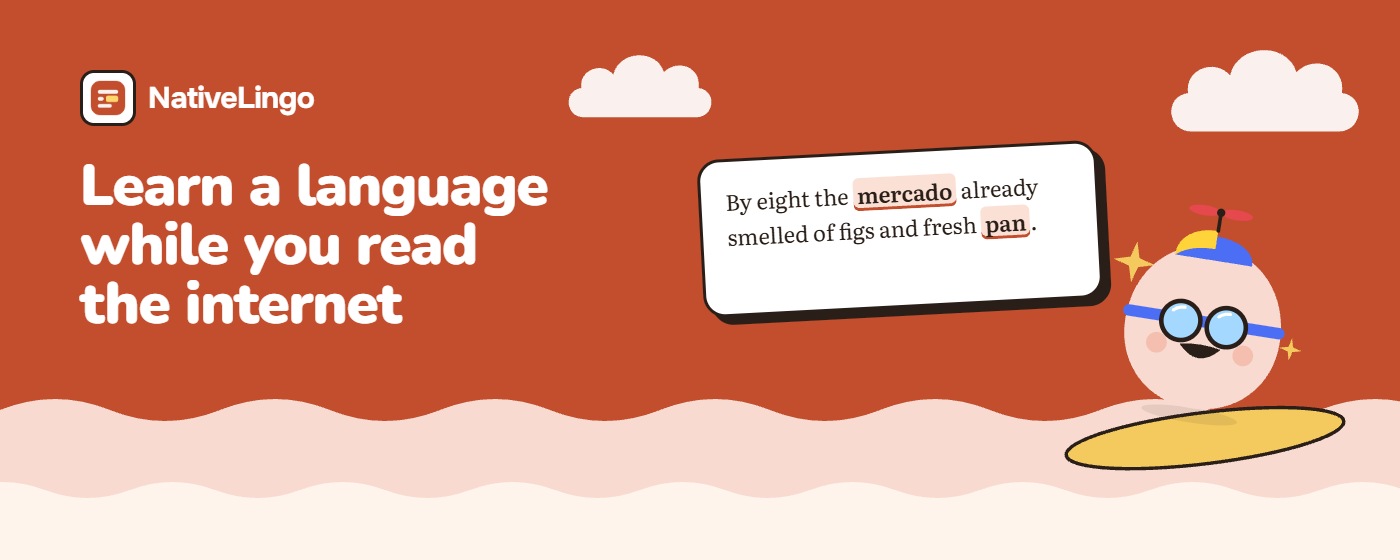
NativeLingo is a language-learning Chrome extension that integrates vocabulary acquisition directly into everyday web browsing. Instead of isolated drills or separate flashcard lessons, it automatically replaces selected words on websites, articles, and video subtitles with translations in the target language.
A client-side AI engine evaluates each sentence's context to insert grammatically appropriate inflections, matching pluralizations and verb tenses rather than defaulting to base dictionary entries. Processing pages locally in the browser preserves user privacy while delivering contextual immersion across everyday reading.
Key Features
- Contextual In-Page Word Swaps: Automatically substitutes 1–2 words per hundred on visited websites with vocabulary tailored to the user's proficiency level (A1 to C2).
- Grammar-Aware Inflection Matching: Automatically fits the correct grammatical form, such as matching verb tenses and noun plurals, to preserve sentence coherence.
- Audio Pronunciation and Phonetics: Hovering over swapped words reveals their original meaning, audio pronunciation, and phonetic transcriptions.
- Video Subtitle Integration: Extends word swaps into video streaming platforms, including native support for YouTube and Netflix subtitles.
- Integrated Reader for News and E-books: An integrated reader with level-filtered international news articles and an e-book reader for EPUB, PDF, FB2, and TXT files plus public-domain classics.
- Spaced Repetition Review: Features daily 90-second spaced repetition review sessions to reinforce acquired vocabulary and track progress toward language milestones.
- Privacy-First Architecture: Parses and processes page text locally on the user's device, skipping sensitive sites like webmail and online banking, while synchronizing only vocabulary progress and settings.
- Broad Language Support: Supports learning Spanish, French, German, Italian, Portuguese, Dutch, Swedish, and English.
Use Cases
- Passive Daily Vocabulary Building: Busy professionals and students who want to build foreign language vocabulary while reading daily news, industry blogs, Reddit, or work documentation.
- Standardized Exam Preparation: Learners preparing for standardized language proficiency exams such as DELE, DELF, or Goethe by practicing topic-specific vocabulary in natural contexts.
- Media Consumption: Language learners watching foreign-language or native-language YouTube videos and Netflix series who want low-friction vocabulary reinforcement via subtitles.
- Long-Form Reading Practice: Readers reading digital books or international journalism seeking gradual immersion without stopping to look up unknown words manually.
Frequently Asked Questions About NativeLingo
How does NativeLingo select words to translate?
NativeLingo uses a placement test or selected CEFR level (from A1 to C2) to identify appropriate target vocabulary. It swaps approximately one to two words per hundred so that comprehension of the overall text is not disrupted.
Does NativeLingo read or store private browsing data?
No. Web page text is processed locally inside the browser. NativeLingo automatically excludes sensitive pages like banking, webmail, and login screens. Only review statistics, saved words, and user account preferences are synchronized to the cloud.
Does NativeLingo work on mobile devices?
The automated word swap extension requires Google Chrome on a desktop or laptop computer. However, vocabulary lists and daily spaced-repetition review sessions can be accessed through mobile web browsers.
Which languages are currently supported?
NativeLingo supports learning English, Spanish, French, German, Italian, Portuguese, Dutch, and Swedish.
Can users export their vocabulary?
Yes. Pro tier users can export their saved vocabulary and review items to Anki flashcard decks or standard CSV files.
Put your product in front of engaged visitors. Get your spot now!
Website
https://nativelingo.ioPublish Date
November 24, 2026