
PipeVoice
A free, private voice typing app for Windows that lets you dictate text directly into any application and supports a 100% offline mode.
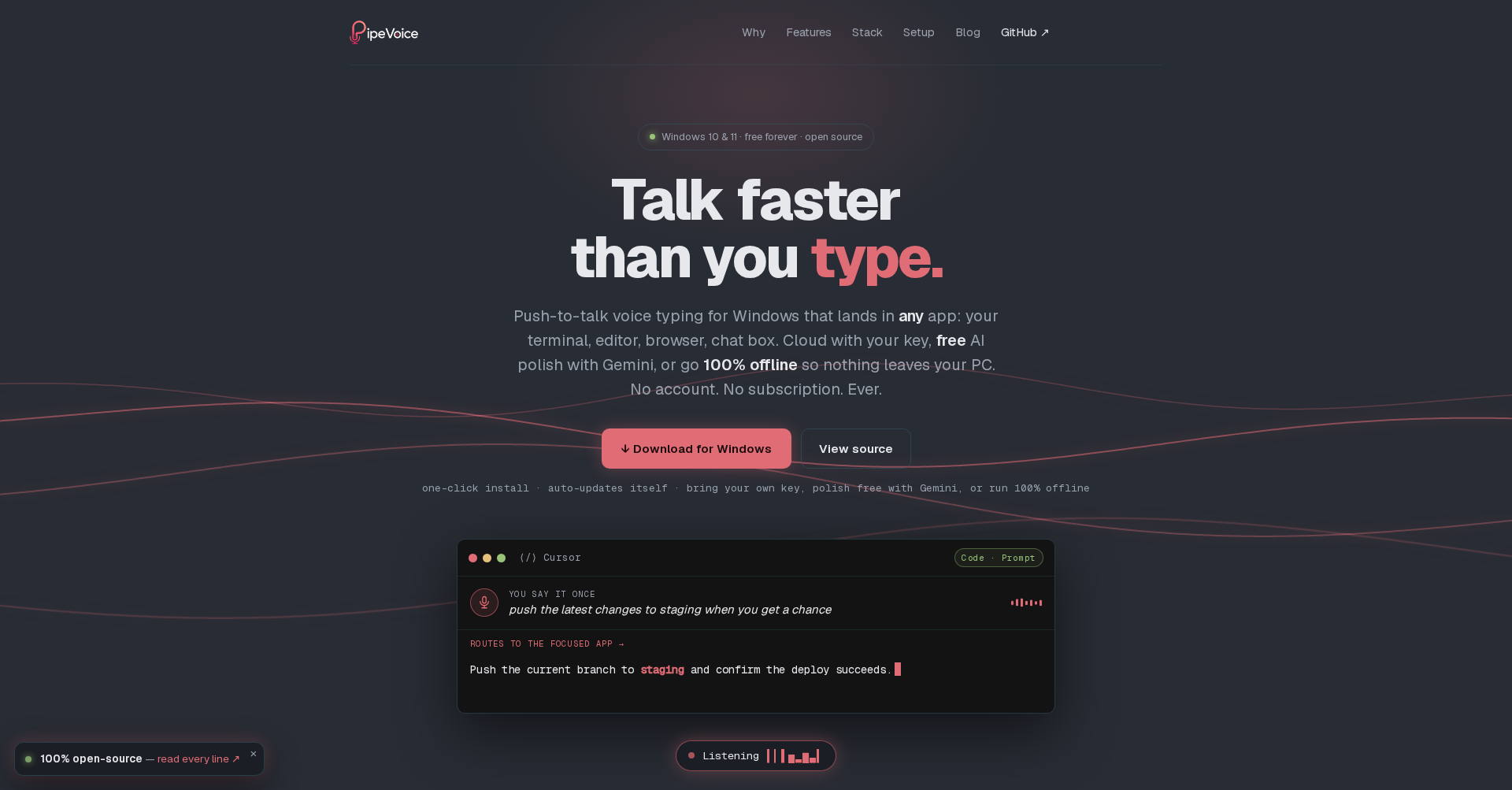
What is PipeVoice
PipeVoice is a free, open-source, and private voice typing application designed specifically for Windows. Unlike other dictation tools that are Mac-first or require costly cloud subscriptions, PipeVoice allows users to type real keystrokes directly into any focused window—including terminal windows, text editors, web browsers, and chat boxes. PipeVoice prioritizes user privacy and flexibility, letting you choose your own tech stack for transcription and AI-based polishing, including a 100% offline setup that keeps all data locally on your computer.
Key Features
- Direct System-Wide Typing: Inputs text as real keystrokes into any active application (such as Claude Code, Cursor, terminal panes, or editors) without requiring copy-pasting.
- Flexible Connector Stack: Choose your transcription and polish engines. You can use free Gemini API keys, cloud providers (Groq Whisper, Deepgram, OpenAI, OpenRouter) with your own API keys, or run completely local models.
- 100% Offline Mode: Combine Local Whisper with a local Ollama instance so that no voice data or transcripts ever leave your PC.
- Per-App Profiles: Automatically detects the active application and applies custom settings, such as raw text entry for terminal consoles or polished, auto-sent texts for chat programs.
- Voice Commands & History: Supports hands-free formatting commands like "new line" or "send it" to submit text automatically, and maintains a secure, local-only dictation history.
Use Cases
- AI Coding and Prompts: Dictate complex prompts directly into CLI tools like Claude Code, Cursor, or IDE terminals at 150+ wpm—much faster than typing.
- Hands-Free Document and Email Writing: Dictate emails, documentation, and chat messages in real time using a global push-to-talk hotkey.
- Offline Transcription: Transcribe sensitive or confidential documents without worrying about telemetry, servers, or cloud data breaches.
- Multilingual and Accent Adaptability: Apply plain-text speech notes (e.g., specifying an accent or stutter) to help the AI polish engine adapt and clean up output text accurately.
Frequently Asked Questions About PipeVoice
Is PipeVoice really free?
Yes. PipeVoice is completely free and open source. You can run the entire pipeline offline at no cost or plug in your own API keys (paying only pennies directly to the providers).
Does PipeVoice support hands-free formatting?
Yes, it includes toggleable voice commands. You can dictate formatting instructions like "new line", "new paragraph", or "tab key", and control dictation with commands like "scratch that" or "send it".
Can I dictate into clipboard instead of typing directly?
Yes. You can configure a secondary hotkey (such as Right Ctrl + Shift) that records and copies the transcribed text directly to your clipboard rather than typing it into the focused window.
Where is my data sent?
Your data is only sent to the specific API connectors you choose, using your own keys. If you choose the offline mode (Local Whisper + Ollama), zero bytes leave your computer.
Put your product in front of engaged visitors. Get your spot now!
Website
https://pipevoice.app/Publish Date
June 24, 2026