AI Exporter
AI Exporter is a professional browser extension for exporting AI chats from ChatGPT, Gemini, Claude, and more to PDF, Markdown, and Notion.
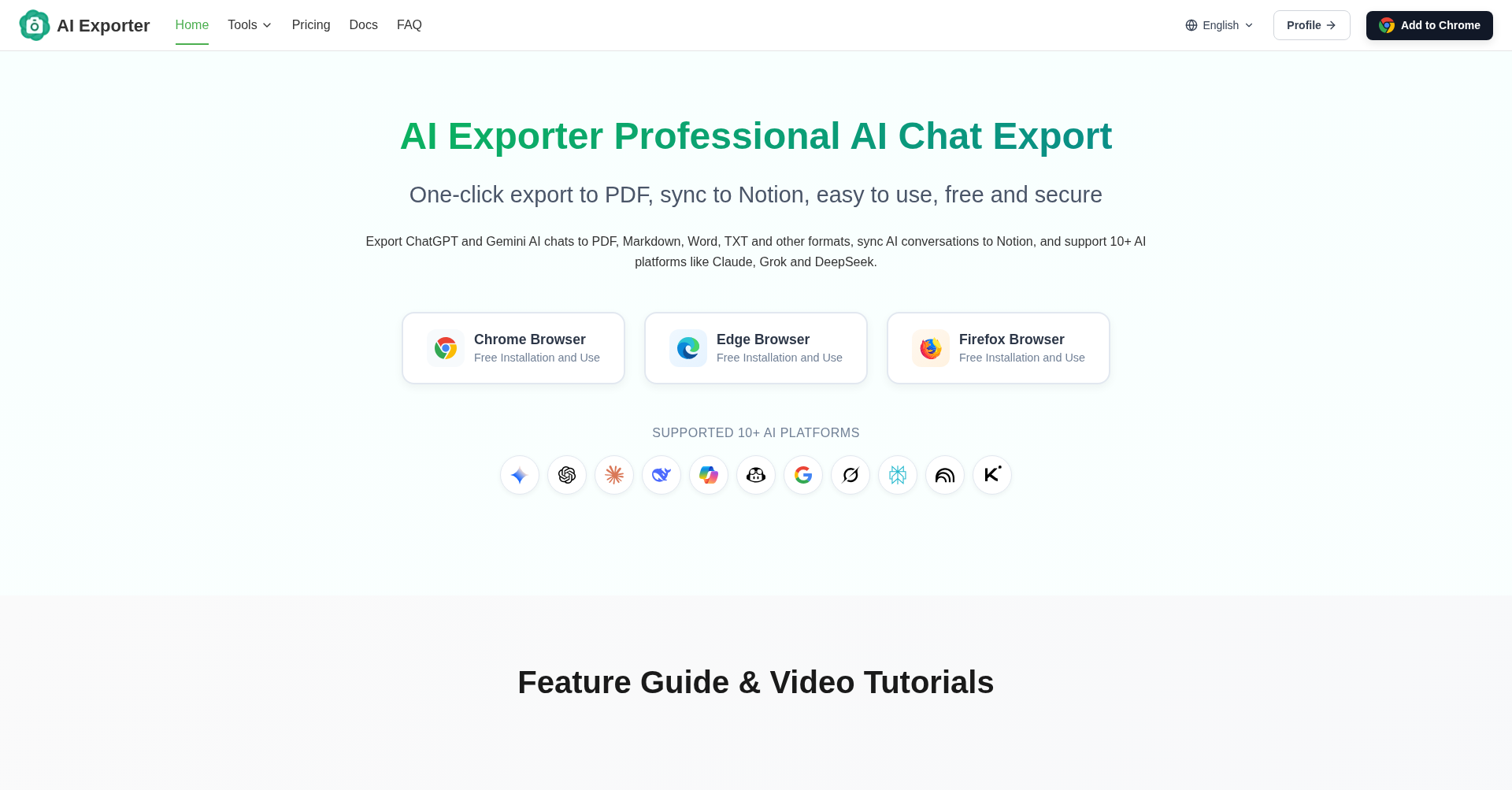
What is AI Exporter
AI Exporter is a professional browser extension designed to help users easily export chat histories from major AI platforms. It supports platforms like ChatGPT, Gemini, Claude, DeepSeek, Grok, and more, allowing you to save conversations into various formats like PDF, Markdown, Word, image, TXT, and JSON, or sync them directly to Notion.
Key Features
- One-Click Multi-Format Export: Export chat histories to PDF, Markdown, Word, TXT, and images while perfectly preserving complex formatting such as code blocks, tables, and mathematical formulas.
- Sync to Notion: Seamlessly integrate and sync your conversations from Gemini, ChatGPT, and other AI platforms directly to your Notion workspace.
- Custom Export Selection: Select specific parts or messages in a conversation using checkboxes to customize your exported document.
- Google Search Export: Save Google search results and AI overview content alongside your AI chat logs.
- Cross-Platform Support: Works on major browsers (Chrome, Edge, Firefox) and supports 10+ AI platforms.
- Secure & Private: All core exports (like Markdown, Notion, TXT, and image) run locally in your browser. PDF generation is deleted immediately after processing.
Use Cases
- AI Productivity & Knowledge Management: Save, organize, and build a personal knowledge base in Notion or Obsidian from valuable AI chats.
- Sharing & Collaboration: Export cleanly formatted PDFs of AI conversations with developers, writers, or students.
- Offline Archiving: Backup essential programming code, research, and instructions generated during AI sessions.
Frequently Asked Questions About AI Exporter
Is AI Exporter free to use?
Yes, exporting to Markdown, TXT, JSON, and images is entirely free. PDF, Notion, and Word exports include a daily free trial quota for basic usage.
Which AI platforms does AI Exporter support?
It currently supports ChatGPT, Gemini, Claude, Grok, DeepSeek, Google AI Studio, Copilot, Perplexity, GitHub Copilot, NotebookLM, Kimi, and Google AI Mode.
Is my data safe with AI Exporter?
Yes. Almost all features run locally inside your browser, meaning no data is uploaded to external servers. PDF files are processed temporarily on the server and immediately deleted after generation.
Put your product in front of engaged visitors. Get your spot now!
Website
https://saveai.net/Publish Date
June 23, 2026