
Waifu Deck
Free open-source Android app to swipe and collect anime art from 10 image boards, with AES-256 encrypted sync to your own cloud.
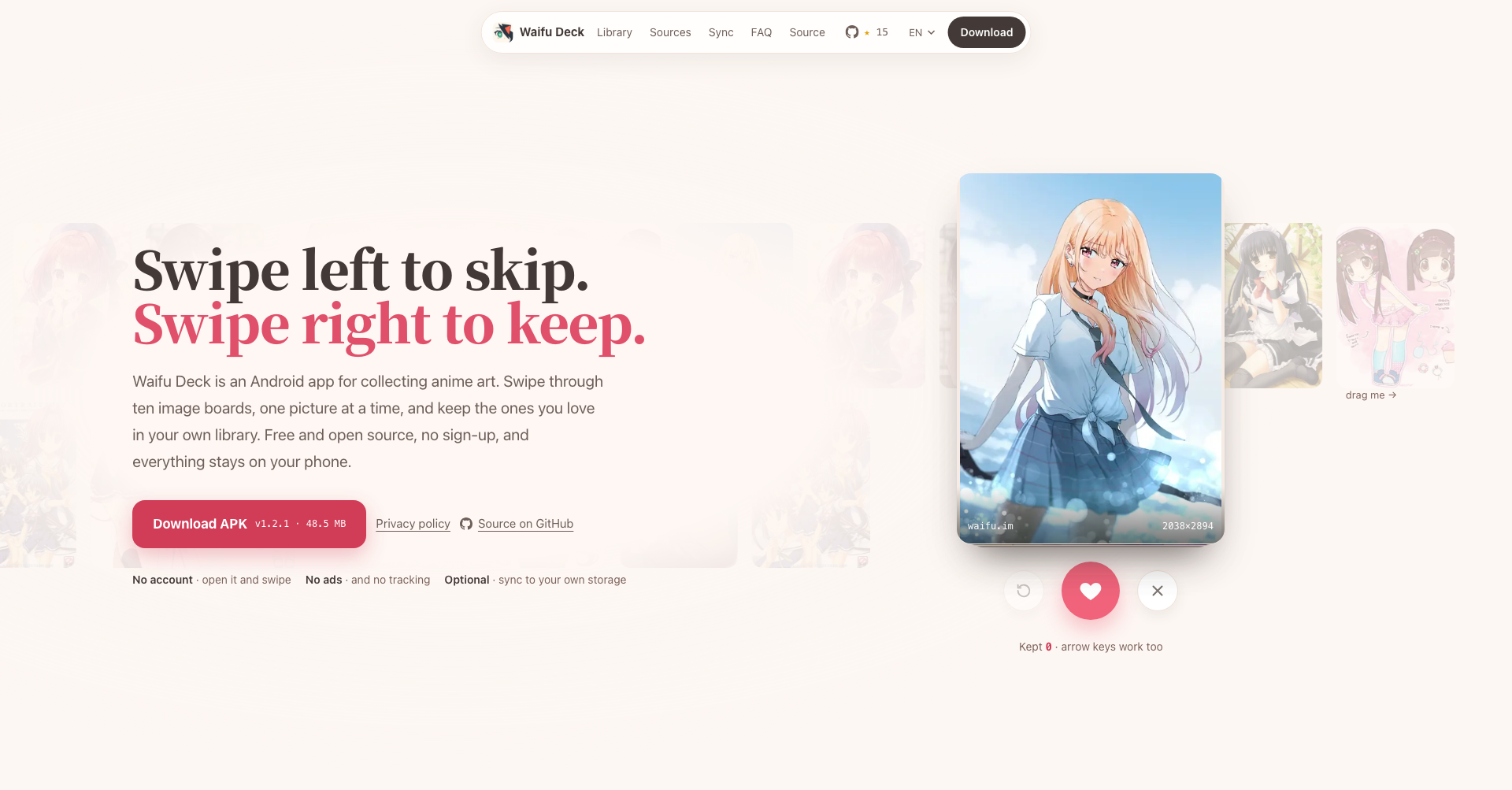
What is Waifu Deck
Waifu Deck is a free, open-source (AGPL-3.0) Android app for discovering and collecting anime illustrations. It turns ten booru-style image boards into a swipe deck: swipe left to skip a picture, swipe right to keep it in your personal library. There is no registration, no ads, and no tracking — the library lives on your phone first, with optional encrypted synchronization to your own cloud storage.
Key Features
- Ten Image Boards in One Deck: Browse Danbooru, Safebooru, Gelbooru, yande.re, Konachan, waifu.im, Nekos API, Rule34, e621, and the SFW-only mirror e926 without juggling sites or clients. Gelbooru and Rule34 connect with your free API keys.
- Swipe-to-Collect Browsing: Keep the art you love with a single swipe, and control the mix with all / SFW-only / NSFW-only source modes plus an exclude filter.
- Original Quality, No Duplicates: Saved images keep their full original resolution, and sorting by collection time, resolution, or file size keeps the library organized.
- Encrypted BYOS Cloud Sync: Synchronize with Cloudflare R2, Bunny.net, Backblaze B2, Google Drive, OneDrive, or WebDAV/NAS — images are encrypted with AES-256-GCM before they ever leave the device.
- Cloud-Only Albums: Keep thumbnails on the phone and fetch full images on demand to save device space.
- Fully Offline and Private: Saved albums browse offline, gallery photos can be imported, and the developers operate no servers at all.
Use Cases
- Personal Art Collection: Build a distraction-free, ad-free library of anime illustrations from ten boards in one swipeable deck.
- Wallpaper Curation: Hunt full-resolution art and sort by resolution and file size to find perfect wallpaper candidates.
- Private Cloud Backup: Keep a password-protected, encrypted archive of your collection on your own storage with no vendor lock-in.
- Offline Viewing: Enjoy saved albums anywhere — flights, commutes, or places without connectivity.
Frequently Asked Questions About Waifu Deck
Is Waifu Deck free?
Yes. The app is free and open source under the AGPL-3.0 license, with no ads, subscriptions, or hidden costs — the developers run no servers, so there are no hosting fees to pass on.
Which image boards does Waifu Deck support?
Ten sources: Danbooru, Safebooru, Gelbooru, yande.re, Konachan, waifu.im, Nekos API, Rule34, e621, and e926 (a SFW-only mirror of e621). Gelbooru and Rule34 require your own free API keys.
How does cloud sync work?
You bring your own storage — Cloudflare R2, Bunny.net, Backblaze B2, Google Drive, OneDrive, or a WebDAV/NAS server. Every image is encrypted with AES-256-GCM on the device before upload, and access is password-based: a forgotten password means the data cannot be recovered, including by the developers.
Does it work offline?
Yes. Waifu Deck is local-first: collected images live on the phone and albums browse fully offline. Cloud synchronization is entirely optional, and cloud-only albums fetch full images on demand.
How do I install the app?
Waifu Deck ships as a signed APK outside the app stores. Install from the release downloads published with SHA-256 checksums, update in-app, or track releases with Obtainium.
Put your product in front of engaged visitors. Get your spot now!
Website
https://waifudeck.appPublish Date
November 9, 2026