
WebsiteCopier
WebsiteCopier downloads websites as static ZIP archives containing HTML, CSS, images, and fonts via HTTP or browser-rendered capture modes.
What is WebsiteCopier
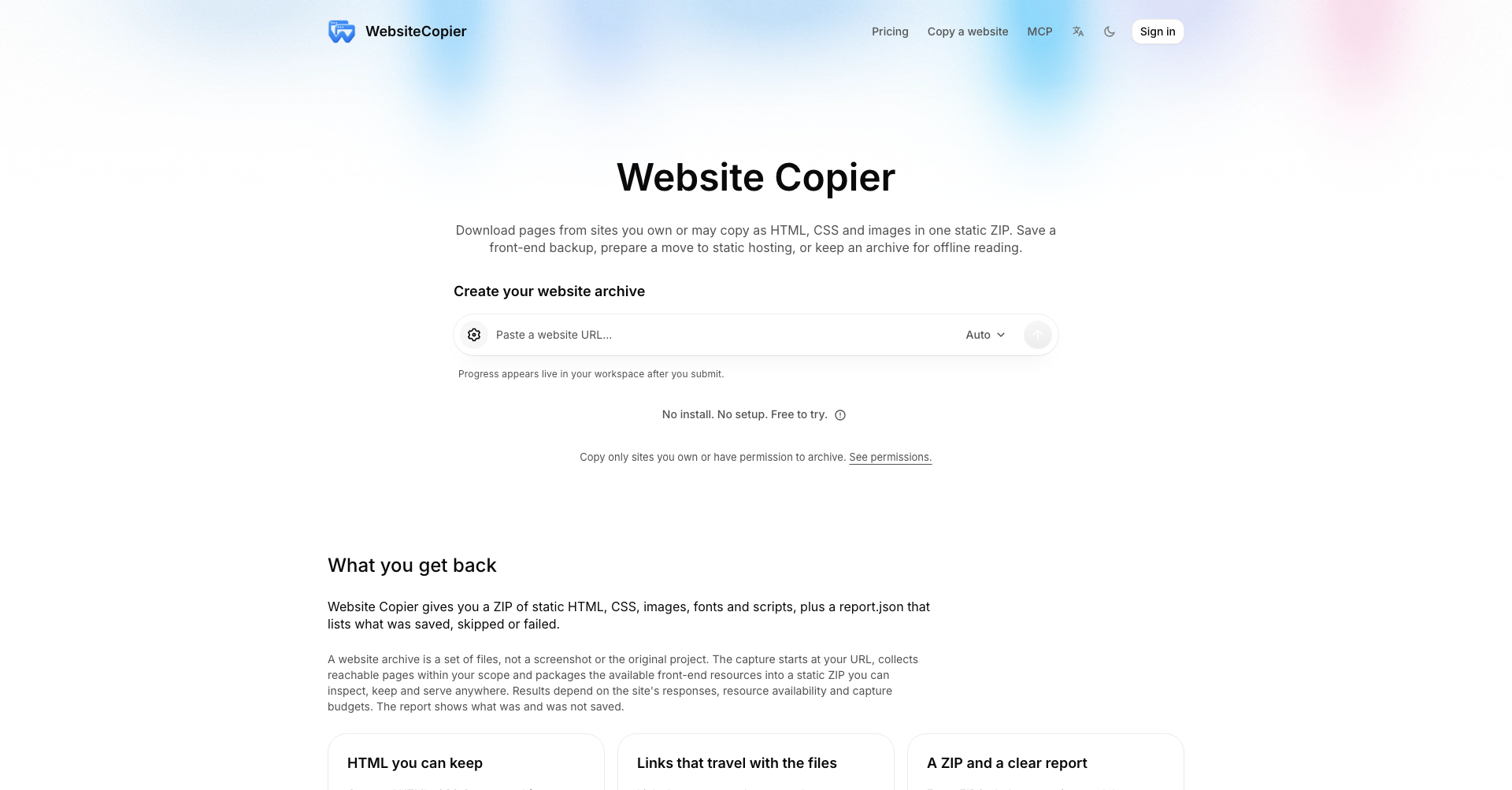
WebsiteCopier is a web-based service that captures and archives web pages as static files. Instead of taking static screenshots or rebuilding backend applications, it crawls accessible public pages and packages the front-end resources—such as HTML, stylesheets, images, and fonts—into a downloadable ZIP file.
All internal links between downloaded pages and resources are automatically rewritten to local relative paths, allowing the archived site to be browsed locally or hosted on any static web server. Each export includes a route manifest and a detailed capture report (report.json) documenting which URLs were successfully downloaded, skipped, or failed.
Key Features
- Dual Capture Engines: Offers standard HTTP crawling for fast extraction of server-rendered sites, as well as headless browser (JS-rendered) capturing to evaluate client-rendered dynamic web applications.
- Relative Link Rewriting: Automatically updates internal links and asset references so the downloaded pages function properly offline or from a static file host.
- Crawl Scope and Depth Controls: Allows users to specify page limits, link traversal depth, host constraints, and URL inclusion/exclusion patterns.
- Comprehensive Capture Reports: Delivers a structured JSON manifest detailing status codes, downloaded files, and diagnostic reasons for skipped or unreachable assets.
- Browser-Based Operation: Runs entirely in the cloud without requiring local software installation, browser extensions, or command-line tools.
- Robots.txt Compliance: Respects website crawl policies and crawl delays by default, with optional overrides for verified site owners.
Use Cases
- Website Backups: Create independent offline snapshots of websites, blogs, documentation hubs, or portfolio pages prior to major infrastructure updates.
- Static Site Migration: Convert legacy dynamic sites into flat HTML, CSS, and asset bundles suitable for deployment onto static hosting platforms and CDNs.
- Offline Viewing and Archival: Store reference documentation, marketing pages, or research materials locally for offline access.
- Client Site Offboarding: Package static archives of completed web development projects or decommissioned client sites for long-term record-keeping.
Frequently Asked Questions About WebsiteCopier
Can WebsiteCopier export dynamic backends, databases, or user accounts?
No. WebsiteCopier captures only front-end HTML, CSS, and media assets reachable over HTTP. It does not export server-side code, databases, authentication sessions, forms processing, or dynamic API backends.
What is the difference between HTTP mode and JS-rendered mode?
HTTP mode downloads the raw server-delivered HTML and its linked resources without running JavaScript, making it fast and suitable for traditional static sites or blogs. JS-rendered mode spins up a cloud-based browser to execute JavaScript and capture the rendered DOM, making it suitable for single-page applications (SPAs) and client-heavy interfaces.
How does WebsiteCopier handle links and missing assets?
Links among captured pages and assets are rewritten to local relative paths so that the directory can be viewed offline. Any links pointing to out-of-scope or uncaptured URLs remain pointed to their original online destinations. Missing or restricted resources are listed in the included report.json file.
How long are generated ZIP archives available for download?
Generated archives are typically retained in the user workspace for 30 days following capture completion, after which the files are expired and deleted.
Put your product in front of engaged visitors. Get your spot now!
Website
https://websitecopier.netPublish Date
November 10, 2026