
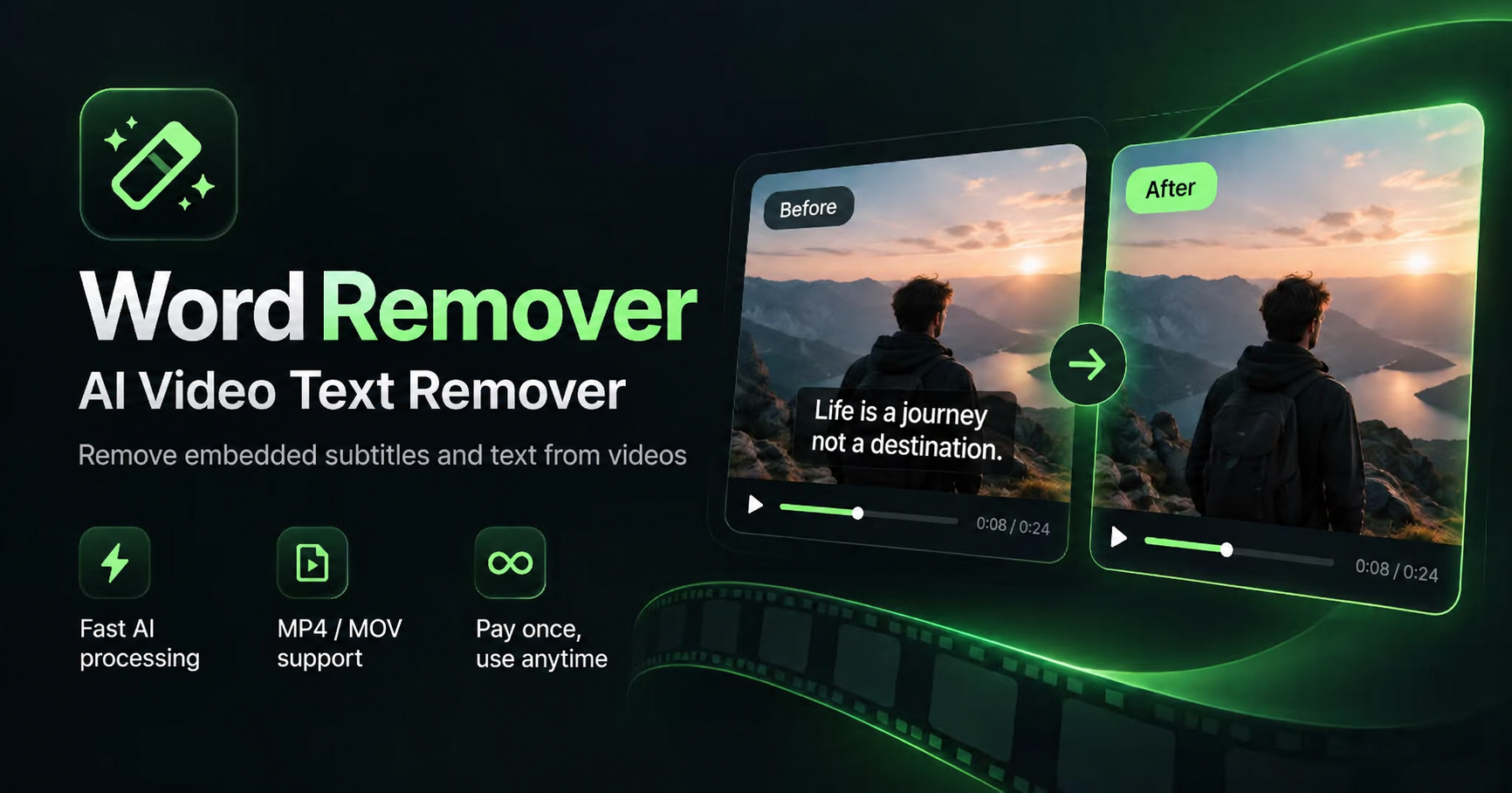
What is Word Remover
Word Remover is a browser-based AI tool that erases burned-in text from videos — hardcoded subtitles, captions, timestamps, and text watermarks — by reconstructing the background behind the letters instead of smearing a blur over them. Upload a clip, box the text you want gone, set when it appears, and the AI repairs the obscured scene so the cleaned frame keeps its original quality and audio sync. It is built for video editors, vloggers, and creators who need to salvage B-roll or repurpose footage cleanly.
Key Features
- True AI Reconstruction: The AI intelligently repairs the obscured scene rather than applying a blur filter, so cleaned frames look naturally free of text.
- Zero Quality Loss: Videos keep their original dimensions and audio track, and exports render at the source average frame rate with no cropping.
- No Watermarks Added: Download the cleaned clip instantly with no added branding, ready for your next project.
- Precise Selection and Timing: Draw a box around the text area and define the time range it appears, so only the intended overlay is treated.
- 100% Browser-Based: Everything runs in the browser with no clunky software to install.
- Free Trial: Clean one video of up to 30 seconds and 100 MB without signing up.
Use Cases
- Salvaging B-Roll: Rescue otherwise unusable footage that carries burned-in captions, timestamps, or channel watermarks.
- Repurposing Clips: Strip old subtitles and overlays from videos so they can be re-edited and re-shared on YouTube, TikTok, or Instagram Reels.
- Localizing Content: Remove hardcoded source-language subtitles before adding new translation tracks.
- Cleaning Archives: Erase dates, logos, and text overlays from stock or archive footage for a fresh, unbranded look.
Frequently Asked Questions About Word Remover
How does Word Remover remove text from videos?
Instead of blurring the region, the AI reconstructs the background hidden behind the text. You upload a video, draw a box over the text area, set the time range it appears, and the tool repairs the scene before you preview and download the result.
Is Word Remover free?
There is a one-time free trial: one video up to 30 seconds and 100 MB, with no sign-up required. Paid plans are one-time payments valid for 365 days — Starter at $9.90 (40 minutes), Creator at $29.90 (150 minutes), and Pro at $69.90 (400 minutes) — and minutes are deducted only after a task is processed successfully.
What file formats does it support?
H.264 MP4 and MOV files are supported; WebM and HEVC are not. Exports stay at 1080p and below (2K videos are capped at one minute), and the video is re-encoded on export, so bitrate can shift slightly from the source.
Does it work on logos?
It works on text lettering such as subtitles, captions, timestamps, and text watermarks. Graphic logos and complex scenes may resist full removal, and results can vary with motion and background detail.
Whose videos can I process?
The tool is intended for footage you own or have permission to edit — cleaning your own archives, licensed stock, or client projects.
Put your product in front of engaged visitors. Get your spot now!
Website
https://wordremover.comPublish Date
November 9, 2026