
CapCut
CapCut is an all-in-one, AI-powered video editing platform designed for creating viral social media content, marketing videos, and high-quality clips.
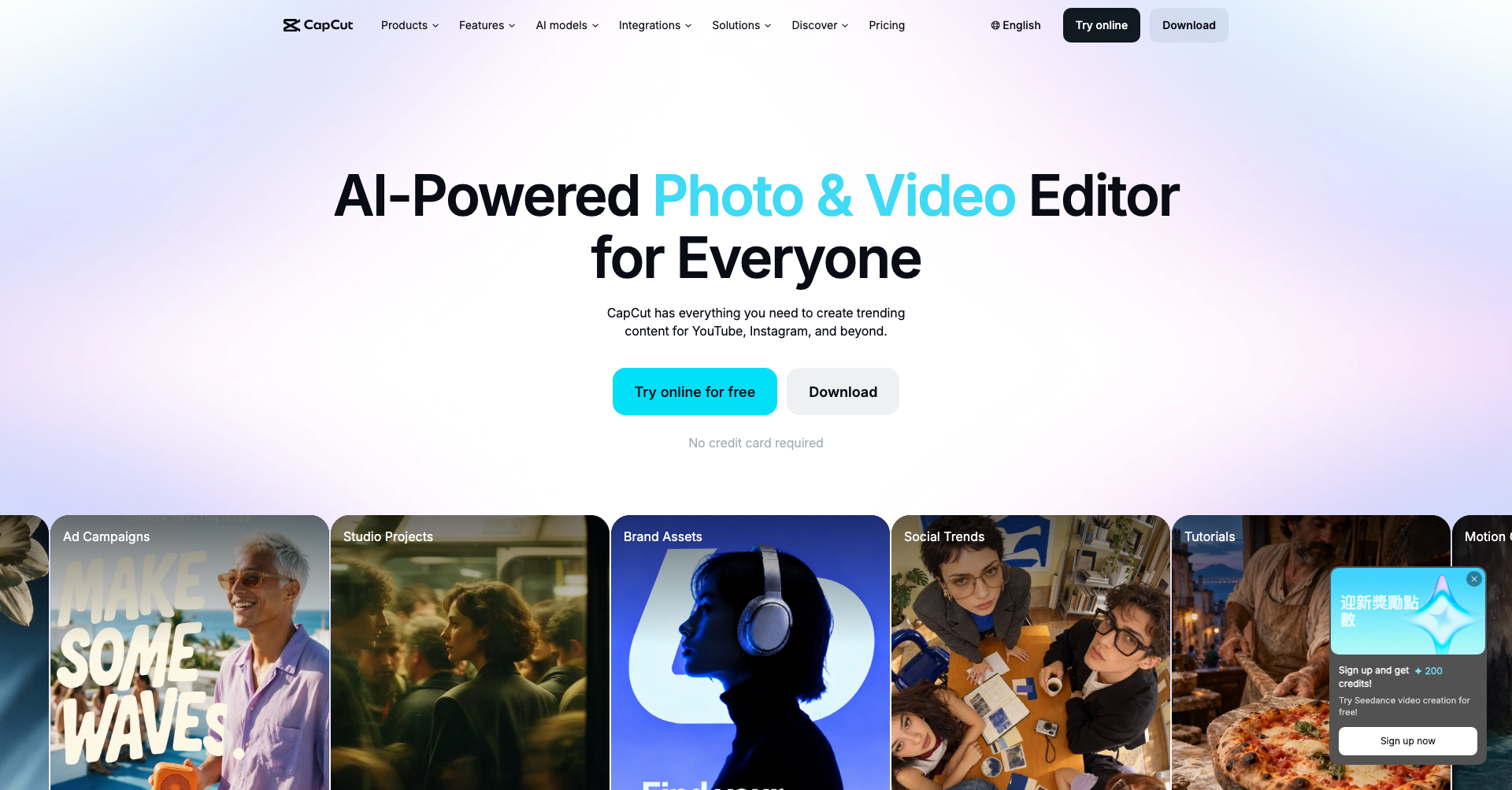
What is CapCut
CapCut is an intuitive, all-in-one video editing platform developed by ByteDance. Available as a free browser-based online editor, desktop application (macOS and Windows), and mobile app (iOS and Android), CapCut equips creators, marketers, and businesses with professional-grade video editing capabilities without the steep learning curve. From automated captions to advanced AI video generation, CapCut simplifies the end-to-end video creation process for modern digital creators.
Key Features
- AI Video Generator & Script-to-Video: Transform text prompts or scripts into structured, fully-edited video layouts with matching voiceovers and visual b-roll in seconds.
- Auto Captions & Subtitles: Automatically transcribe spoken audio into synchronized, animated subtitles with multi-language support and trending typography styles.
- Background Removal & Smart Cutout: Remove or replace video backgrounds with one click, eliminating the need for green screens.
- AI Avatars & Text-to-Speech: Generate realistic AI voiceovers and digital presenter avatars for tutorials, product demos, and social media announcements.
- Extensive Media & Template Library: Access thousands of pre-made templates, royalty-free audio tracks, cinematic filters, dynamic transitions, and viral effects.
- Cross-Platform Cloud Sync: Seamlessly start a project on your mobile phone and continue fine-tuning on desktop or the web via cloud storage.
Use Cases
- Short-Form Content Creation: Craft viral short-form videos optimized for TikTok, Instagram Reels, and YouTube Shorts using trending templates and audio tracks.
- E-Commerce & Product Marketing: Produce engaging promo clips, showcase videos, and UGC-style product advertisements for online stores and digital ad campaigns.
- Educational & Explainer Videos: Build clear step-by-step tutorials and software walk-throughs using dynamic auto-captions, screen recordings, and AI voice narration.
- Podcast & Interview Repurposing: Cut long-form podcast recordings or webinars into punchy highlight clips with automated vertical framing and animated captions.
Frequently Asked Questions About CapCut
Is CapCut free to use?
Yes, CapCut provides a robust free tier across mobile, desktop, and web that includes core editing tools, smart templates, and export capabilities. A CapCut Pro subscription is available for users who want access to premium cloud storage, advanced AI effects, and specialized stock assets.
Can I use CapCut without installing software?
Yes, CapCut offers a full-featured web browser version that lets you edit videos online without downloading or installing any software.
Does CapCut add a watermark to exported videos?
On the web and desktop versions, exports do not include a watermark. On the mobile app, the default ending watermark clip can be easily deleted from your timeline before exporting.
What resolutions does CapCut support for export?
CapCut supports high-resolution video exports up to 4K resolution at 60 frames per second, ensuring sharp and crisp visual quality across social media platforms.
Put your product in front of engaged visitors. Get your spot now!
Website
https://capcut.comPublish Date
November 7, 2026