
Clideo
Clideo is an all-in-one online video editing platform providing fast, browser-based tools to edit, compress, and create videos.
What is Clideo
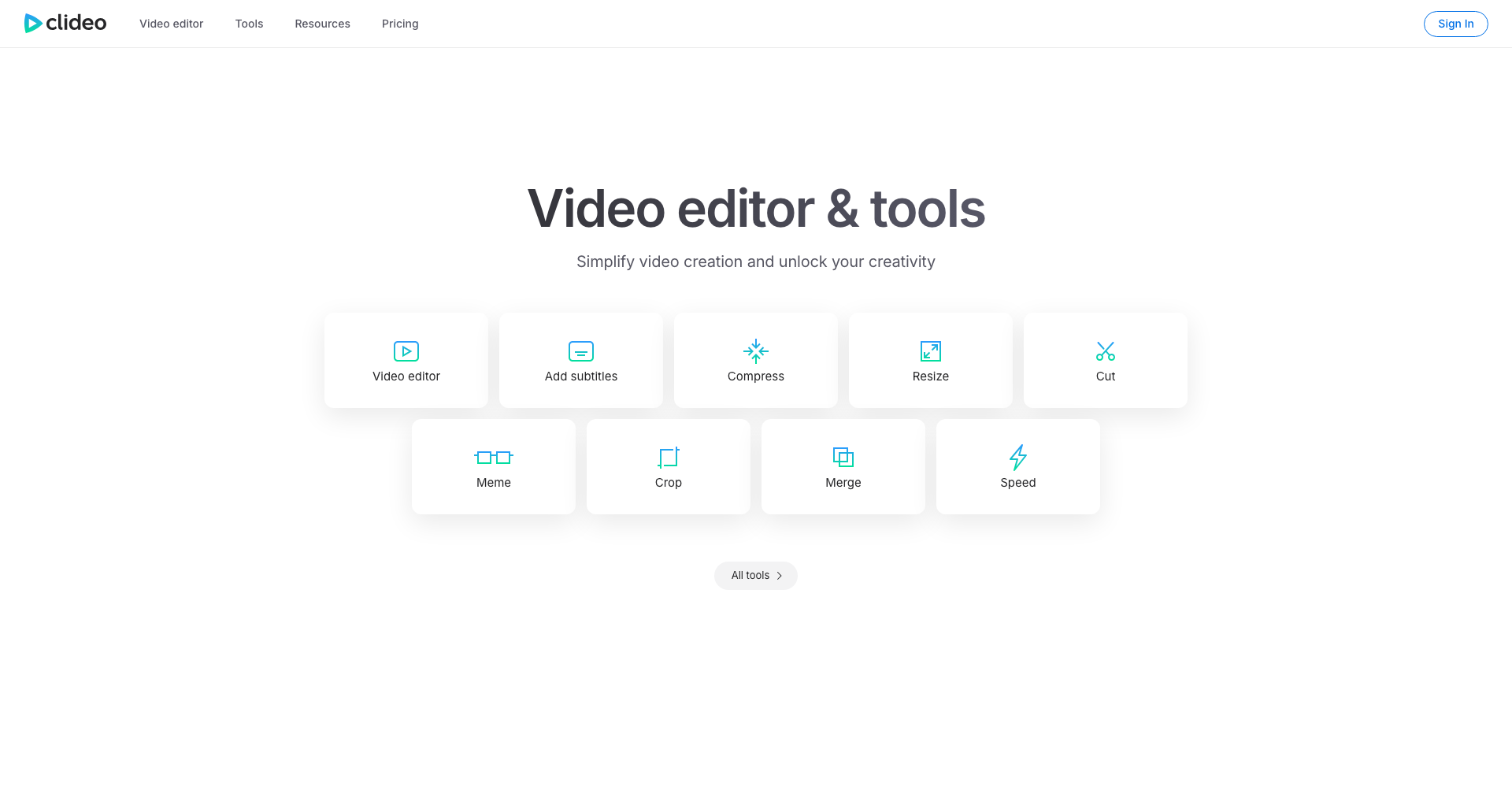
Clideo is a comprehensive online video creation and editing platform that allows creators, marketers, and everyday users to edit videos directly in their web browser. Eliminating the need to install resource-heavy desktop software, Clideo provides an intuitive multi-track video editor alongside a wide suite of single-purpose mini-tools such as video compressors, converters, resizers, and meme generators. It works seamlessly across Windows, Mac, iOS, and Android devices.
Key Features
- Multi-Track Online Video Editor: Arrange video clips, audio tracks, images, and text overlays easily with a visual timeline and canvas.
- Quick Video Utilities: Dedicated standalone tools to compress video file sizes, convert formats, trim clips, crop dimensions, merge multiple files, and loop footage.
- Aspect Ratio Presets: Instantly reformat and crop video projects for social media channels including YouTube, Instagram Reels, TikTok, and Facebook.
- Cloud Storage Integration: Import media directly from Google Drive, Google Photos, and Dropbox without needing to upload files from local storage first.
- Stock Library & Audio Controls: Access built-in stock music, sound effects, and visuals, with options to extract audio, adjust volume, or add voice-overs.
- Text, Subtitles & Customization: Add animated text, adjust typography, insert stickers or emojis, and generate captions.
Use Cases
- Social Media Content Creation: Easily produce vertical videos, short-form reels, and stories formatted for TikTok, Instagram, and YouTube Shorts.
- File Compression & Conversion: Shrink large video files to meet email attachment limits or convert incompatible video formats for web playback.
- Marketing & Explainer Videos: Combine screen recordings, promotional clips, voice-overs, and background music into polished marketing assets.
- Quick Video Edits: Make fast adjustments like rotating sideways footage, trimming unwanted sections, or adjusting video playback speed on the fly.
Frequently Asked Questions About Clideo
Do I need to install any software to use Clideo?
No, Clideo operates entirely in modern web browsers, so you can edit and process videos directly online without downloading or installing any desktop applications.
Is Clideo free to use?
Clideo offers free access to its suite of tools with basic limits (such as file size thresholds and a small watermark on exported videos). A premium subscription removes watermarks, increases upload limits, and unlocks high-resolution exports.
What file formats does Clideo support?
Clideo supports most common video, audio, and image formats, including MP4, MOV, AVI, WMV, WebM, MP3, WAV, PNG, and JPG.
Are my uploaded files safe and private?
Yes, files uploaded to Clideo are encrypted with high-level security protocols and are automatically deleted from Clideo's servers after processing, unless saved to your personal account storage.
Put your product in front of engaged visitors. Get your spot now!
Website
https://clideo.comPublish Date
November 17, 2026